IP Calculator Tools
How Do You Calculate a CIDR Range?
Turn an IPv4 address and prefix into an aligned network, broadcast address, host range, and defensible subnet plan.
By Vigneshwaran Vijayakumar, Developer and Publisher | | Reviewed under the ClockTools editorial policy
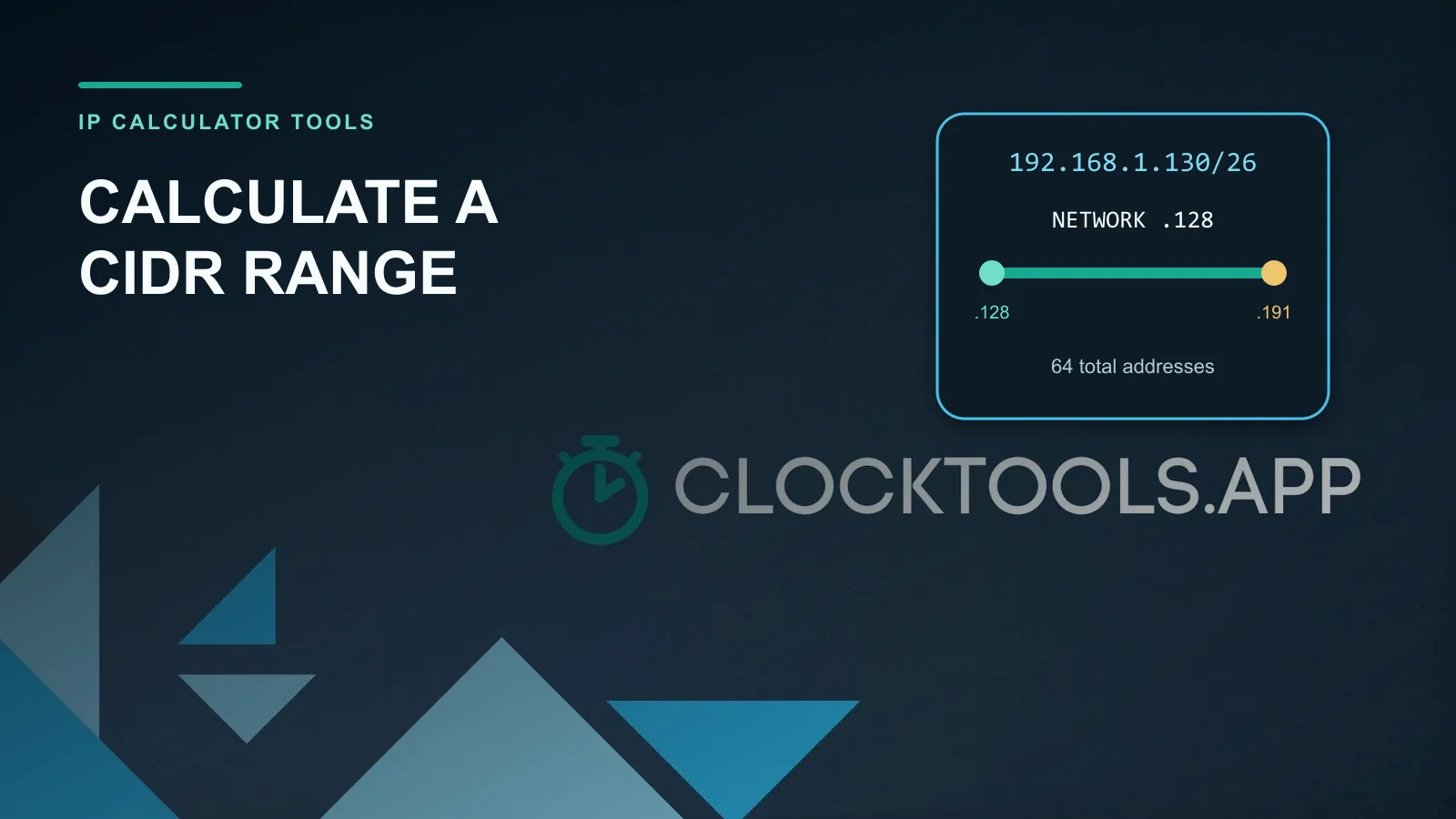
Table of contents
A CIDR range comes from two facts: an IPv4 address and a prefix length. The prefix fixes the network bits; the remaining 32 − prefix bits define the block size. For 192.168.1.130/26, the block contains 2^(32−26) = 64 addresses, and .130 falls inside 192.168.1.128–192.168.1.191. The ClockTools IP subnet calculator confirms the network, broadcast, wildcard mask, and usable host range while exposing the binary boundary.
What does the number after the slash control?
IPv4 has 32 bits. A CIDR prefix says how many leading bits are fixed as the network portion. The CIDR specification in RFC 4632 defines the slash value as a decimal number from 0 through 32. A /24 fixes 24 bits and leaves 8 host bits; a /26 fixes 26 and leaves 6.
That relationship gives the total block size:
total addresses = 2^(32 − prefix length)
Adding one to the prefix halves the block. Subtracting one doubles it. The direction often trips people up: a larger slash number describes a smaller address block because fewer bits remain available to vary.
| Prefix | Subnet mask | Total addresses | Block increment in last octet |
|---|---|---|---|
| /24 | 255.255.255.0 | 256 | 256 |
| /25 | 255.255.255.128 | 128 | 128 |
| /26 | 255.255.255.192 | 64 | 64 |
| /27 | 255.255.255.224 | 32 | 32 |
| /28 | 255.255.255.240 | 16 | 16 |
| /29 | 255.255.255.248 | 8 | 8 |
| /30 | 255.255.255.252 | 4 | 4 |
How do you calculate a CIDR range by hand?
Use this sequence rather than guessing from the visible address:
- Subtract the prefix from 32 to get the host-bit count.
- Calculate
2^(host bits)to get the total addresses. - Find the octet where the prefix stops.
- Use the block increment in that octet to round the address down to its network boundary.
- Add the total block size, then subtract one, to find the broadcast address.
- For a conventional IPv4 subnet, treat the addresses between those endpoints as the usual host range.
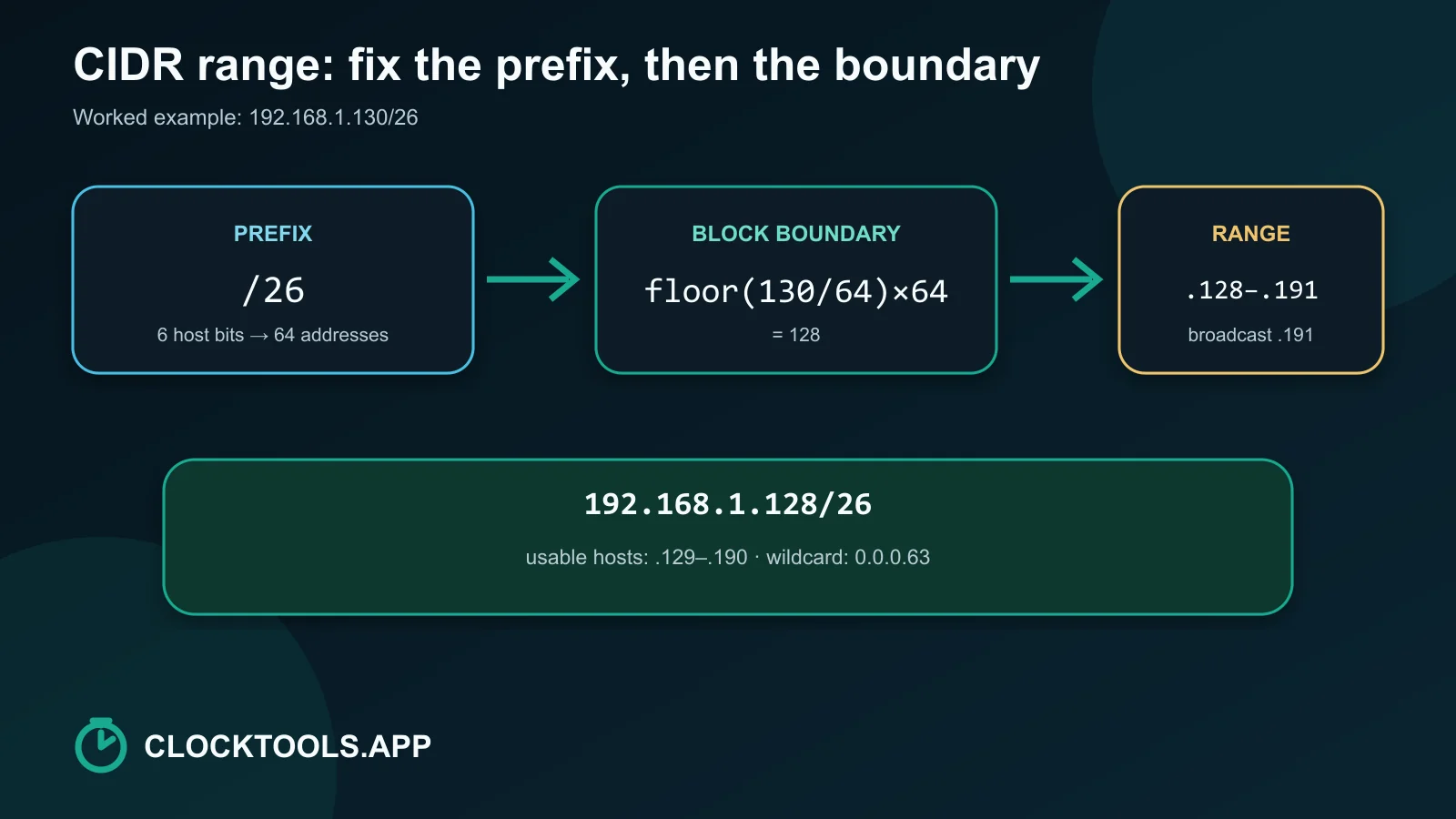
For 192.168.1.130/26, six host bits remain. The block size is 64, so valid last-octet boundaries are 0, 64, 128, and 192. Because 130 lies between 128 and 191, the network is .128 and the broadcast address is .191.
In binary, the last octet makes the boundary explicit:
Address:  130 = 10000010
/26 mask:       11000000
Network:  128 = 10000000
Broadcast:191 = 10111111
The bitwise AND between the address and mask clears the host bits to find the network. Setting those host bits to one finds the broadcast address.
What did the calculator return for 192.168.1.130/26?
In a live test on 2026-09-01, entering 192.168.1.130/26 produced these values immediately:
| Result | Observed value |
|---|---|
| CIDR block | 192.168.1.128/26 |
| Subnet mask | 255.255.255.192 |
| Network address | 192.168.1.128 |
| Broadcast address | 192.168.1.191 |
| First usable host | 192.168.1.129 |
| Last usable host | 192.168.1.190 |
| Total addresses | 64 |
| Traditional usable hosts | 62 |
| Wildcard mask | 0.0.0.63 |
The tool also displayed the address, mask, and network in binary. That second representation is useful when a decimal answer looks plausible but the subnet boundary may have been rounded to the wrong multiple.
Which shortcut works inside one changing octet?
When the prefix ends in the final octet, calculate 256 − mask octet. For /26, the final mask octet is 192, so the increment is 64. Divide the address octet by that increment, discard the remainder, and multiply back:
floor(130 / 64) × 64 = 128
The next boundary is 128 + 64 = 192, so the current block ends at 191. This shortcut also works in an earlier octet for prefixes such as /20; the later octets then span their full 0–255 range.
Do not round to the nearest multiple. Always round down. An address of .190 is still in the .128/26 block, even though 192 is numerically closer.
How many addresses and usable hosts are in a block?
Total addresses always follow the power-of-two formula. The familiar total − 2 usable-host rule applies to conventional IPv4 subnets where the all-zero host value identifies the network and the all-one value is the directed broadcast.
Two edge cases need separate treatment. A /32 names one IPv4 address. A /31 can number the two endpoints of a point-to-point link. RFC 3021 specifies that both values in a 31-bit point-to-point subnet are interpreted as host addresses.
A second live ClockTools test used 203.0.113.9/31. The calculator returned the block 203.0.113.8/31, two total addresses, and two usable hosts. That result is appropriate for the point-to-point exception; it should not be generalized to an ordinary multi-access LAN.
Can every start-to-end range be one CIDR block?
No. A single CIDR block must have a power-of-two size and begin on a boundary aligned to that size. The range 192.168.1.128–192.168.1.191 is exactly one /26. The range .130–.191 is not, because it omits the first two addresses of the aligned block.
An arbitrary start and end may require several CIDR blocks. Do not enlarge the range merely to force a compact notation when the result will be used in an allow list, firewall rule, or route. Adding unintended addresses changes the security and routing meaning.
How should you verify a subnet plan?
Treat the calculation as one part of a configuration review:
- Confirm that the CIDR block does not overlap another routed or VPN-connected network.
- Separate total addresses from addresses your platform actually permits for hosts.
- Check whether a gateway, DHCP pool, or cloud provider reserves additional values.
- Verify the exact network and broadcast boundaries with the subnet calculator.
- Use What Is My IP only for the public address visible to the browser; it does not reveal a private LAN subnet plan.
- Use Trace Route when the real question is the path to a destination rather than the size of an address block.
- Check a public service with the Website Down Checker when reachability, not subnet arithmetic, is the problem.
The safe result is not merely a mathematically correct prefix. It is a correctly aligned block that matches the intended network, platform rules, and access policy.
Frequently Asked Questions
What does /24 mean in CIDR?
A /24 fixes the first 24 bits as the IPv4 network prefix and leaves 8 bits to vary. That creates 256 total addresses in an aligned block.
How do I find the network address from CIDR?
Apply the subnet mask to the IPv4 address with a bitwise AND, or round the changing octet down to the nearest valid block boundary.
How do I find the broadcast address?
Find the next aligned network boundary and subtract one, or set every host bit in the current block to one.
Why does a /26 have 64 addresses?
IPv4 has 32 bits. A /26 leaves 6 host bits, and 2 to the power of 6 equals 64 total bit combinations.
Does every IPv4 subnet lose two usable addresses?
No. The traditional network-and-broadcast reservation applies to ordinary subnets, while /31 point-to-point links and /32 host routes are special cases.
Can one CIDR block represent any IP range?
No. A single CIDR block must have a power-of-two size and begin on a matching binary boundary. Arbitrary ranges may require multiple blocks.

About The Author
Vigneshwaran Vijayakumar
Founder, Developer and Publisher of ClockTools | Digital Marketing Manager | India
Vigneshwaran is an engineer with decades of technical experience, including professional work as a Digital Marketing Manager in Dubai. His work connects data analysis, search engine optimization, conversion-rate optimization, content systems, visual production, and applied AI and machine learning. At ClockTools, he turns that multidisciplinary experience into focused browser utilities and practical, source-aware guides.