A living-room celebration
Choose your local midnight, test a gentle sound, then use fullscreen. Put the screen where everyone can see it and keep the device awake. The preview lets you check the celebration without disturbing the real countdown.
Count down to New Year in your local time or a chosen city. Use a large fullscreen display, optional sounds, celebration previews, shareable links and PNG or calendar downloads.
Whether you are watching quietly at home or gathering a room full of people, our countdown gives you one clear moment to look forward to. Start with the year and the place where midnight matters to you.
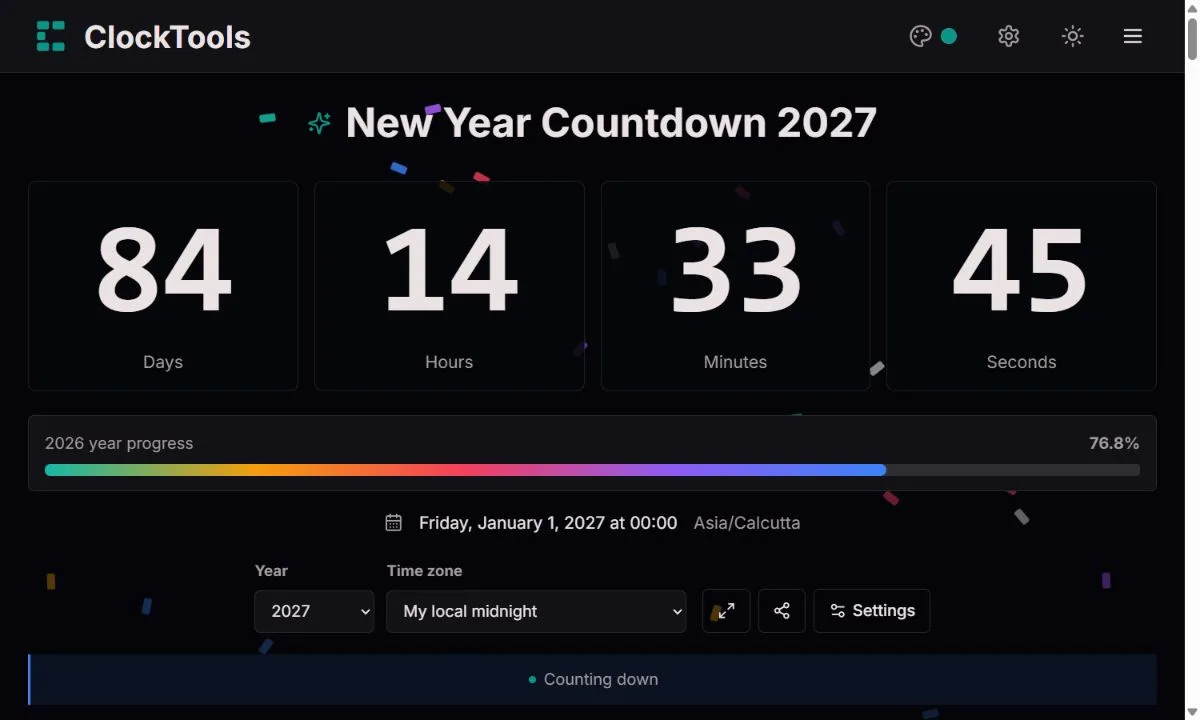
Select the year, then open Time zone. Choose My local midnight to use your device's time zone, or search for a city and select its named zone. The date and zone below the counter confirm the midnight you are counting towards.
Choose the year and time zone below the countdown. Open Settings for celebration styles, New Year sounds, volume and downloads. Preview the celebration and test your sound before putting the countdown on a TV or projector.
A city link gives everyone the same target instant. A local link counts down to each recipient's own midnight. Download a branded PNG for a snapshot, or an ICS calendar event for the selected midnight.
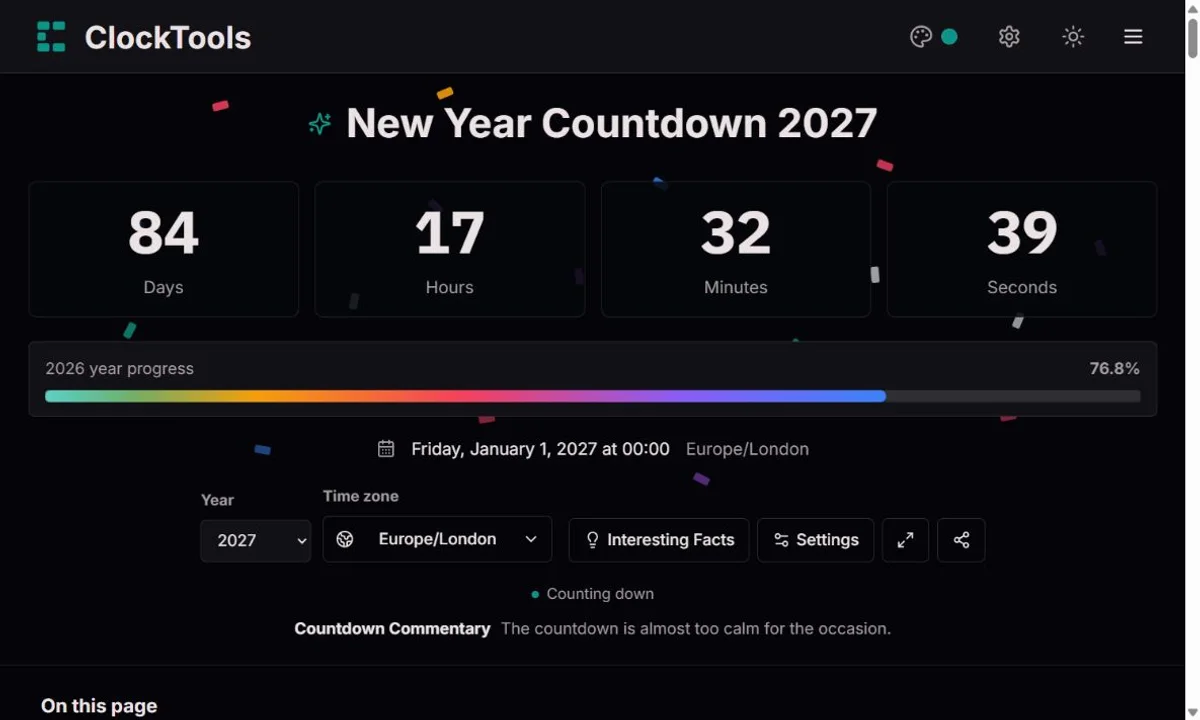
Choose your local midnight, test a gentle sound, then use fullscreen. Put the screen where everyone can see it and keep the device awake. The preview lets you check the celebration without disturbing the real countdown.
Choose a relative's city and share that city-based link. You can celebrate their midnight together, then return to your own time zone. Sharing a local-midnight link would deliberately give different deadlines to people in different places.
Compare the city countdowns below and ask why they reach zero at different moments. Follow that with the selected year's weekday, leap-year and weekend facts. Quiet mode keeps the lesson focused on the numbers rather than animation.
Use the event city's midnight, not the laptop operator's location. Rehearse fullscreen and sound before the final minute. A video stream can introduce delay, so viewers should use their own live countdown rather than treating the broadcast as an exact time signal.
Local mode uses the time zone reported by your browser. City mode resolves January 1 in a named IANA time zone, including fractional offsets and the rules applicable on the target date. We show the chosen zone rather than guessing your location from an IP address.
Fullscreen keeps your selected New Year title and live countdown in focus, with a discreet exit icon in the top-right corner. Click it or press Escape to return. Confetti and your selected midnight celebration still work unless animations are turned off or your device requests reduced motion. The progress bar, date and settings stay hidden. If native fullscreen is unavailable, the expanded in-page view works the same way. Exiting preserves your year and time zone.
Pick one of five original New Year tracks in Settings: a fanfare, rising chimes, midnight bells, a party beat or a gentle new-dawn melody. Each is synthesized in your browser, without third-party recordings, and can be downloaded as a WAV file for free reuse. Test the selected sound and set its volume in Settings; opening a shared link never arms audio.
Choose midnight fireworks, confetti rain, a golden cascade, a starburst or party cannons. Each has its own movement and palette, rather than being a different name for the same effect. Preview does not change the deadline. You can turn animation off, and reduced-motion preferences always take priority. The midnight message remains dismissible.
The PNG includes ClockTools branding, the year, the exact target, the named zone and the capture time: it is a static snapshot, not a live timer. The calendar file stores the selected midnight as a UTC instant, so calendar apps display the same event in their own local zone.
The year selector supports 2027–2100. Calendar facts are recalculated for the selected year, but older years remain completed rather than quietly becoming another year's countdown. Our main page picks the next New Year when opened and holds that target while it is running.
Five colorful bursts open across the sky, with round sparks drifting down.
Multicolored paper falls from above in an extended, playful shower.
Soft gold and ivory particles fall slowly for a warmer, elegant celebration.
Large stars radiate from three points in gold, violet and ice blue.
Paired cannons send bright confetti upward from both sides of the screen.
A bright original melody and closing chords give midnight a triumphant finish.
A sparkling sequence rises and returns home, without a spoken countdown.
Layered synthesized bells ring out slowly with a lingering, warm decay.
A short electronic pulse pairs a low kick with playful melodic accents.
A gentle original melody floats over soft chords for a calmer welcome.
Original ClockTools audio. Free to reuse, including commercially; no attribution required. CC0 1.0
A new year has its own calendar rhythm. Here are the weekdays, weekend patterns and small surprises we calculate for the year you choose.
2027 begins on Friday and ends on Friday. Those two weekdays give you a quick picture of how the year opens and closes.
2027 has 365 calendar days, or 8,760 hours at 24 hours per day. February has 28 days.
There are 104 Saturdays and Sundays in 2027. That is a calendar count, not a count of public holidays or everyone's working schedule.
In 2027, Friday the 13th falls in August. It is a calendar pattern, not a prediction about your day.
Your first Monday is January 4; your first Friday is January 1. Useful little markers when you are planning the opening week.
Months beginning on Monday: February · March · November.
Months with five Saturdays and five Sundays: January · May · October.
July 1 falls on Thursday. The first days of the four quarters fall on Friday, Thursday, Thursday and Friday, respectively. These facts are recalculated for 2027; changing the countdown's time zone does not change the calendar.
A calendar joins two different ideas: measuring the natural world and agreeing how a community will organise its days. Earth's rotation gives us the daily cycle; its orbit gives us the seasonal year. Neither process labels a particular midnight as the start of January. The boundary is a civil convention that becomes useful when families, schools, businesses and public services all understand it.
The calendar has also changed over time. The Julian reform associated with Julius Caesar used a regular leap-year cycle. The Gregorian reform in 1582 refined that rule to keep calendar dates closer to the seasons. These changes are about the calendar's relationship to the solar year, not about creating one worldwide instant of celebration.
January 1 is the target of this tool, not a claim that every culture has only one New Year. Lunar and lunisolar traditions, religious calendars and regional solar calendars can place their new-year celebrations elsewhere. A person can use January 1 for civil planning and still observe another meaningful beginning with their family. Our Holiday Countdown handles those other dates when you know the event's date and place.
At one real instant, people can be living on different calendar dates. The International Date Line separates consecutive dates, while time-zone rules tell each community what its clock should show. The line broadly crosses the Pacific but bends around territories; it is not simply a perfectly straight boundary imposed by longitude.
A worked example makes that less abstract. Midnight on January 1, 2027 in Pacific/Kiritimati corresponds to December 31, 2026 at 10:00 UTC. Midnight in America/New_York corresponds to January 1 at 05:00 UTC. Those celebrations are nineteen hours apart even though both local calendars say January 1 at the moment they begin. The city comparisons on this page calculate those instants instead of presenting one universal New Year timer.
For a remote family call, the practical question is therefore not just which year, but whose midnight. A city-based link answers that question explicitly. The first sunrise of a year is a different astronomical question: it depends on daylight and geography, not only on the clock crossing midnight.
A falling ball was once a practical way to make time visible at a distance. The Greenwich Time Ball, first used in 1833, signalled a precise moment to ships on the Thames. A captain could compare a ship's chronometer with a visible event rather than trying to read a distant clock face. Greenwich's familiar daily drop is at 1 p.m., not New Year's midnight.
Times Square transformed a related visual idea into a celebration. Its first New Year's Eve ball descent took place in 1907, welcoming 1908. The original ball used iron, wood and electric bulbs. Later designs introduced different materials, brighter lighting and computer control. The appeal is more than decoration: a moving object gives a crowd an easily understood beginning, progression and finish.
Our countdown follows that same human need for a shared visible moment, but it is not an official broadcast or certified time signal. The large digits are the working display; the optional animation is simply a celebration. Turning it off does not change the calculation, and testing it does not bring midnight any closer.
A Gregorian leap year is divisible by four, except that a century year must also be divisible by 400. That makes 2028 a leap year and 2100 a common year. An extra February day changes the number of calendar days between January boundaries, so a countdown should derive its target from dates rather than assume that every year has the same length.
Elapsed time and calendar counting are not identical. Here, a displayed day is a block of 24 remaining hours. If you only count date labels on a calendar, your answer can differ around daylight-saving changes or when you are part-way through a day. The selected-year facts are calendar properties; the live digits are the remaining elapsed time to one instant.
A named time zone is also safer than a permanently typed offset. Rules can change, and the offset at a future deadline may differ from today's offset. Our browser's time-zone data resolves the chosen January boundary. For a distant future year, treat the result as a projection under the rules your browser currently knows and check again nearer the event.
We resolve the start of January 1 in the selected named time zone using Temporal calendar rules, then subtract the device's current timestamp from that target instant. Remaining seconds are rounded up until the deadline, so zero is not shown early. Days are 24-hour blocks; hours, minutes and seconds are the remainder. The target is held across midnight. A delayed tick or returning to the tab recalculates from the clock rather than counting missed interval callbacks. Our five New Year tracks use original note sequences and synthesized voices. They are not recordings or arrangements of commercial songs. Animation and audio do not change the target calculation.
Accuracy depends on your device clock and browser time-zone data; this page does not synchronise your clock with an external time service. A closed, sleeping or suspended browser cannot guarantee a sound or celebration. Recent crossings can show the arrival message on resume, but we do not play a very old missed sound. A PNG is static, a calendar app controls its own reminders, and future time-zone laws may change.
Read the live Days value for the selected year and time zone. It counts complete 24-hour blocks remaining, with the leftover hours beside it. There is no single answer for every location because midnight reaches each zone at a different instant.
A city-based link does: it contains the chosen year and time zone. A local-midnight link intentionally uses each recipient's device zone. The sharing dialog tells you which kind of link you are copying.
The target stays on that New Year and a dismissible greeting appears. Fireworks and a short sound run only if you enabled them and the browser allows them. The next-year button starts a new target only when you choose it.
It is not guaranteed. Keep the tab open, the device awake and the sound tested. Browser background restrictions and device sleep can delay execution. Use your device's alarm or calendar reminders as a separate backup.
Yes. Choose Quiet display and Silent, and leave the animation switches off. Reduced-motion preferences also suppress animation, even if a festive option was selected.
This page is specifically for January 1 in the Gregorian calendar. For another tradition or personal celebration, open Holiday Countdown and choose its correct date and time zone. We do not substitute January 1 for a different calendar's New Year.
If something looks wrong, send us the page URL, selected year, time zone, browser and the value you expected. Include the source or a screenshot when useful, but do not send precise location or other private information. We distinguish a calendar-rule error from a device-clock or browser limitation, check a reproducible example, and update the tool and this explanation when a correction is confirmed.
Report a correction