A classroom everyone can follow
Project a digital clock in 24-hour format. Hide seconds for quiet reading, or use a numbered analog face when learning to tell the time.
Read the current time with our free online clock. Choose digital or analog, 12 or 24 hours, seconds and fullscreen. No account or installation needed.
Need a clock you can read without leaning toward the screen? Our clock puts the time first. Pick your preferred view, keep the date if it helps, and open fullscreen when everyone in the room needs to see it.
The clock starts immediately. The timezone below the display helps you check which local time you are seeing.
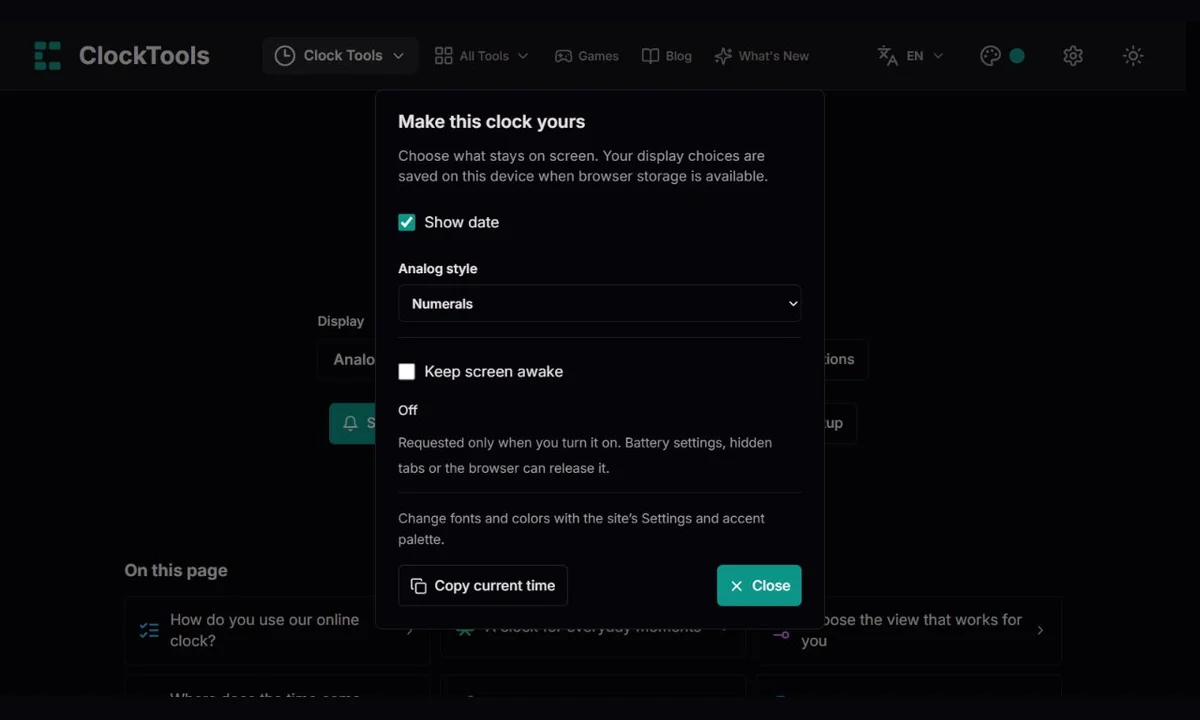
Switch between digital and analog, choose 12 or 24 hours and decide whether seconds should stay visible. Options holds the date and analog styles.
Use fullscreen for a shared screen or desk display. Exit returns to your controls. Keep screen awake is optional and has its own support status.
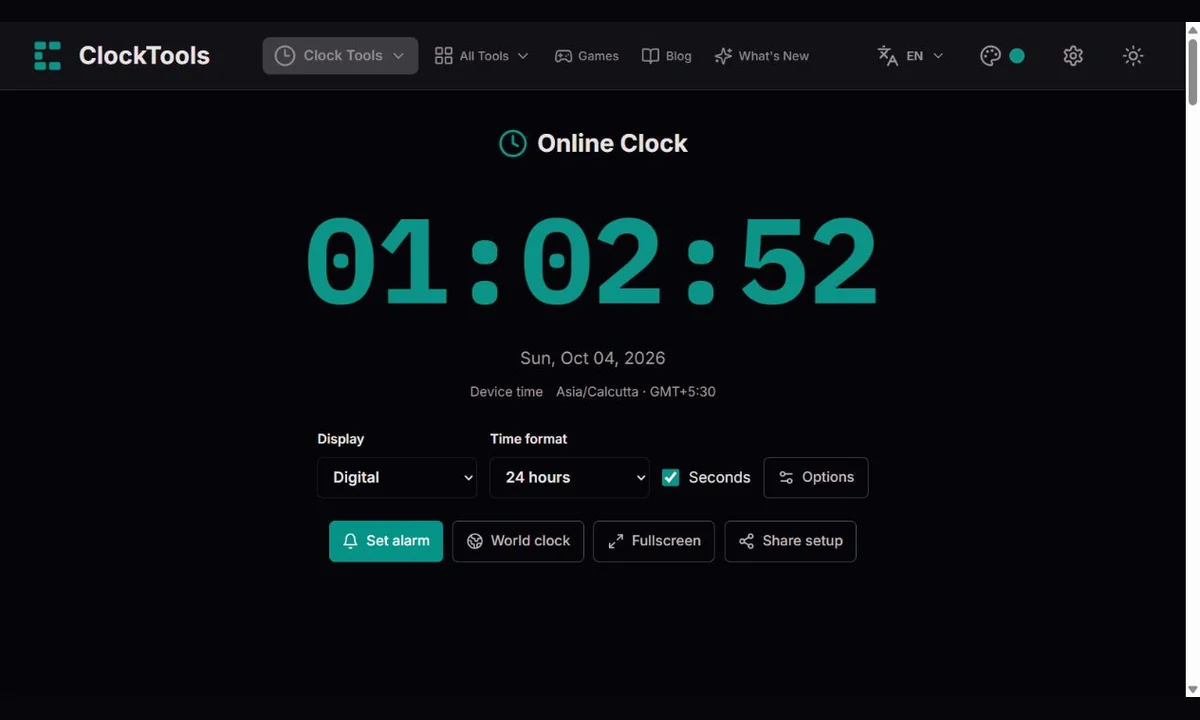
Project a digital clock in 24-hour format. Hide seconds for quiet reading, or use a numbered analog face when learning to tell the time.
Choose a minimal analog face and hide seconds. Keep the date if it helps with planning. The screen-awake option is useful only when your browser permits it.
Put the clock on the room’s display so the finish time is easy to notice. For an allotted speaking duration, open the timer instead; this clock does not count down.
Copy the current time when taking a note or documenting a non-critical task. The text includes the timezone, which is more useful than a bare hour when sharing across regions.
Digital keeps the numbers large. Analog uses the same device time with hour and minute hands and an optional second hand. Its familiar proportions stay unchanged.
12-hour mode uses a day-period marker; 24-hour mode runs from 00 to 23. Hide seconds for less motion or hide the date for a focused display. These choices affect presentation, not the source of time.
Minimal uses hour marks. Classic adds minute marks and a lightly tinted face. Numerals adds 12, 3, 6 and 9 with minute marks. Pick the face you find easiest to read; all three show the same time.
The site’s Settings offers Default, Digital, Retro and Sci-Fi monospace families, Vintage italic serif and Premium serif. The palette changes the clock accent, and the theme control changes the background. Fonts change digital text, not the analog drawing.
Fullscreen gives the digital clock more room while keeping the time and day-period marker separate. The exit control stays available. If your browser refuses fullscreen, the regular page continues to work.
Switch it on in Options for a desk or projected clock. We show requesting, active, released or unavailable states. It is not a background scheduler and does not prevent all sleep, battery or system interruptions.
Copy current time includes date and timezone. Share setup sends display choices, not a fixed time. If automatic copying is blocked, we provide selectable text or a link to copy manually. Fonts and site colors are not included in the link.
Our clock reads your device’s current date and time. It schedules visible updates near second boundaries and refreshes when you return to the tab. It does not count missed ticks or add an assumed second after sleep. The timezone name and UTC offset come from the browser; daylight-saving changes follow your device’s timezone rules.
This is a readable device clock, not an atomic clock or an independent time-server check. Incorrect device time or timezone settings, or outdated timezone data, can make the display wrong. A VPN does not automatically change your device’s timezone. Enable automatic time and the correct timezone in your operating system. Browser load can delay an update; showing seconds does not certify second-level accuracy. Use our stopwatch to measure a duration and World Clock to compare places.
Where does the time come from?World clock · Set alarm · Timer · Stopwatch
We save the display mode, analog style, seconds and date choices in browser storage when available. The 12/24-hour format, font and accent use the site’s existing preferences. Nothing keeps counting in storage: reopening the page reads the current device time. A blocked or unreadable record does not stop the clock. Screen-awake requests start off on each visit, and clearing site data removes saved choices.
Share setup includes the digital or analog view, analog style, 12/24-hour format, seconds and date visibility. It does not send your device’s time, synchronize clocks or switch on screen wake lock. Each recipient sees their own local time. Copy current time captures a text snapshot with the date, timezone and UTC offset; that copied text does not keep updating.
No. It displays your device’s clock. We do not independently compare it with an atomic source or guarantee certified accuracy.
Check automatic time and timezone in your device settings. A VPN does not necessarily change those settings. An outdated operating system can also have outdated timezone rules.
When the page resumes, it reads the current device time again. It does not reconstruct time by adding delayed interval ticks. A closed page cannot keep a visible clock running.
No. The link carries display choices. Each person sees their own device time and timezone, and device clocks may differ. Use World Clock for a shared city reference.
The browser can release the request because of battery or visibility rules, and the operating system can still interrupt it. Check the status in Options; this is a request, not a guarantee.
Yes. Open the page and use it directly. Display preferences can be saved locally, but neither an account nor an installation is required.
Something looks wrong? Tell us the browser, device, selected format and timezone, and whether it happened after sleep or a system-clock change. For a display issue, a non-sensitive screenshot helps. We can correct formatting, layout and refresh behavior, but cannot fix your operating system’s clock from this page.
Report a clock issue