URL Tools
URL Encode vs Decode: What Is the Difference?
A reversible, component-aware guide to URL encoding and decoding.
By Vigneshwaran Vijayakumar, Developer and Publisher | | Reviewed under the ClockTools editorial policy
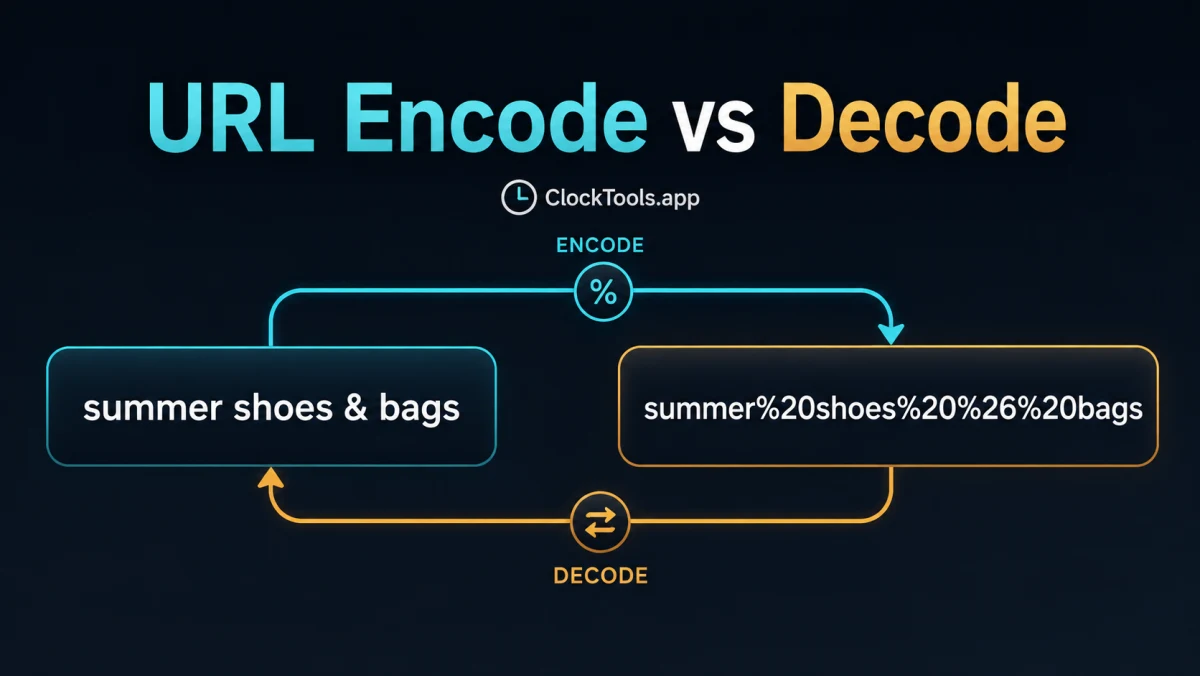
Table of contents
URL encoding converts characters that are unsafe or meaningful in a URL component into percent triplets; URL decoding reverses valid triplets into readable characters. Encode before inserting raw data into a component. Decode when you need to inspect or use an already encoded value. The ClockTools URL Encoder and URL Decoder let you test both directions without changing the original text.
Choose the direction from the input
If the input is human-readable data such as summer shoes & bags, encode it before placing it in a query value. If the input already contains sequences such as %20 and you need the original characters, decode it once. The WHATWG URL Standard defines percent-encode sets for URL parsing and serialization; RFC 3986 explains the percent-triplet form and reserved characters.
| You have | You need | Operation |
|---|---|---|
| Raw query value | URL-safe component | Encode |
| Percent triplets | Readable value | Decode |
| Complete parsed URL | A changed field | Modify that component, then serialize |
Encoding is not encryption. It makes syntax unambiguous; it does not hide sensitive information.
Follow one reversible example
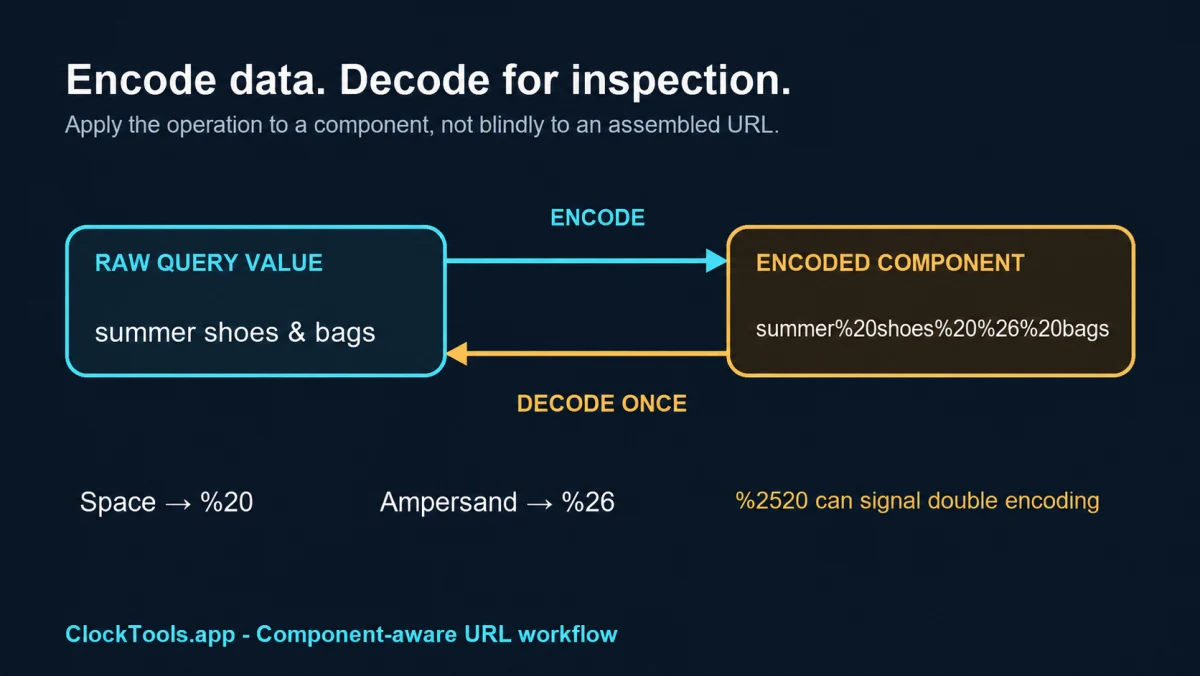
Start with summer shoes & bags. Component encoding produces summer%20shoes%20%26%20bags. Spaces become %20, and the ampersand becomes %26 so it is data rather than a separator. Decoding that result once restores the original phrase.
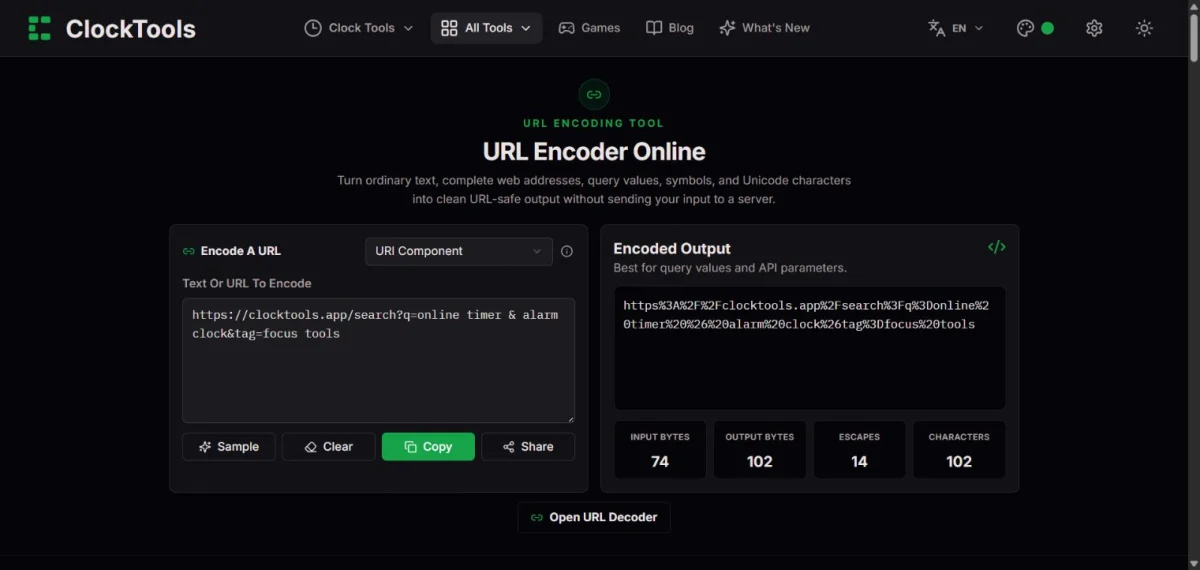
In the live ClockTools check, a 74-character sample became 102 characters with 14 escapes in URI Component mode. Those counts describe that sample only; different inputs produce different totals.
Respect URL component boundaries
A URL contains pieces with different syntax: scheme, host, path, query, and fragment. The safest workflow is to parse the URL, change the intended value, then serialize it using the API for your environment. Encoding an entire assembled URL can escape separators such as :, /, ?, and & that were supposed to keep their structural meaning.
The space case deserves special care. Generic percent encoding represents a space as %20. HTML form-style query serialization may use + instead. Read URL encoding for a space for that narrow interoperability issue; this article addresses operation direction, component choice, and reversal.
Prevent double encoding
Double encoding happens when encoded text is passed through an encoder again. For example, %20 can become %2520 because % is encoded as %25. Track whether each value is raw or encoded, encode at one boundary, and decode only as many times as the data contract requires. RFC 3986 warns that percent-encoded strings must not be encoded or decoded more than once without a clear reason.
When debugging, copy the smallest component into the tool, decode once, and compare the result with the expected raw value. Never paste secrets, tokens, or private URLs into a tool you do not trust.
Frequently Asked Questions
What is the difference between URL encode and decode?
Encoding turns characters into a transport-safe representation; decoding reverses valid percent triplets into readable characters.
Should I encode a full URL or only a component?
Usually encode the value or component you are inserting, not an already assembled URL with meaningful separators.
Why does a URL sometimes contain %2520?
It commonly means %20 was encoded again: the percent sign became %25, producing a double-encoded value.
Is a plus sign always the same as a space?
No. Some form-encoded query parsers treat + as a space, while generic URL percent encoding uses %20.

About The Author
Vigneshwaran Vijayakumar
Founder, Developer and Publisher of ClockTools | Digital Marketing Manager | India
Vigneshwaran is an engineer with decades of technical experience, including professional work as a Digital Marketing Manager in Dubai. His work connects data analysis, search engine optimization, conversion-rate optimization, content systems, visual production, and applied AI and machine learning. At ClockTools, he turns that multidisciplinary experience into focused browser utilities and practical, source-aware guides.