Minecraft Tools
How Do You Build a 31-Block Minecraft Circle?
A center-out row method for an odd-diameter 31-block circle.
By Vigneshwaran Vijayakumar, Developer and Publisher | | Reviewed under the ClockTools editorial policy
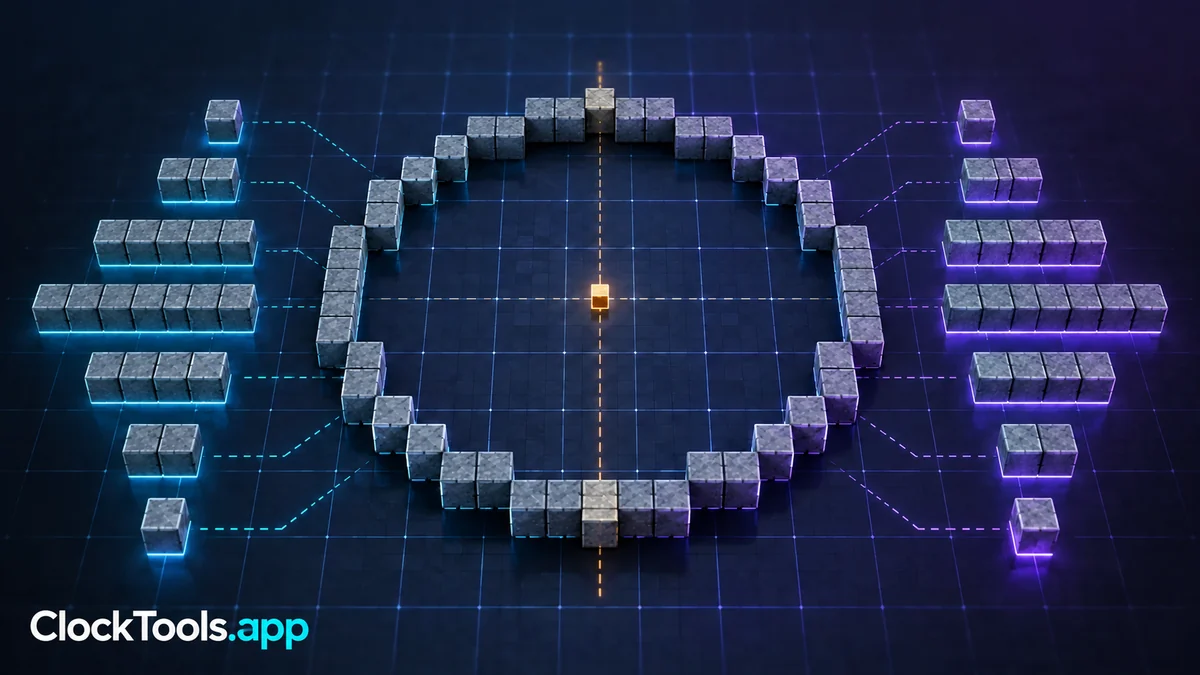
Table of contents
Build a 31-block Minecraft circle by marking one central block, extending 15 blocks in each cardinal direction, and following a generated outline from one axis to the next. Construct one quadrant, mirror it across the vertical axis, then mirror the completed half across the horizontal axis. The ClockTools Minecraft Circle Generator provides the grid and row pattern.
Anchor the odd-diameter center
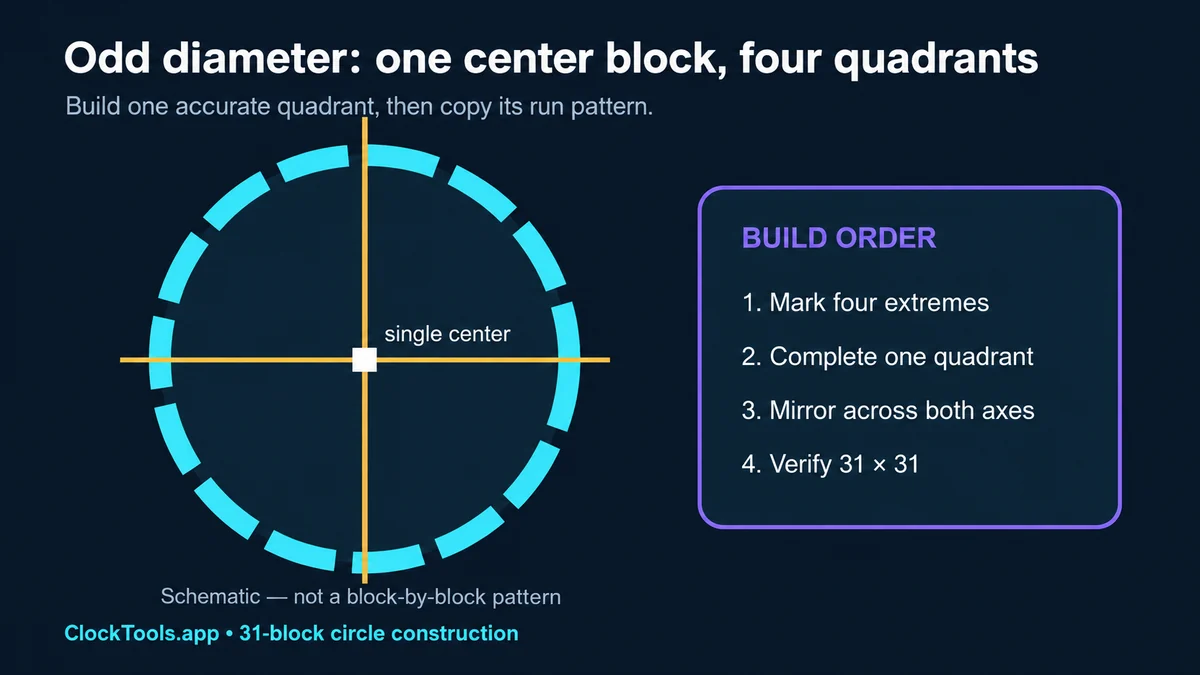
A 31 × 31 footprint has a single center row, a single center column, and one center block. Place that center marker first. From it, count 15 blocks north, south, east, and west to mark the four extremes. The geometric radius is 15.5 blocks when measured across block edges, which is why the displayed tool value includes a half block.
Do not reuse an even-diameter center rule. A 30 × 30 circle sits around a central four-block area; a 31 × 31 circle crosses one block at the middle. The guide to a 30 by 30 Minecraft circle covers that separate alignment problem.
Turn the grid into buildable runs
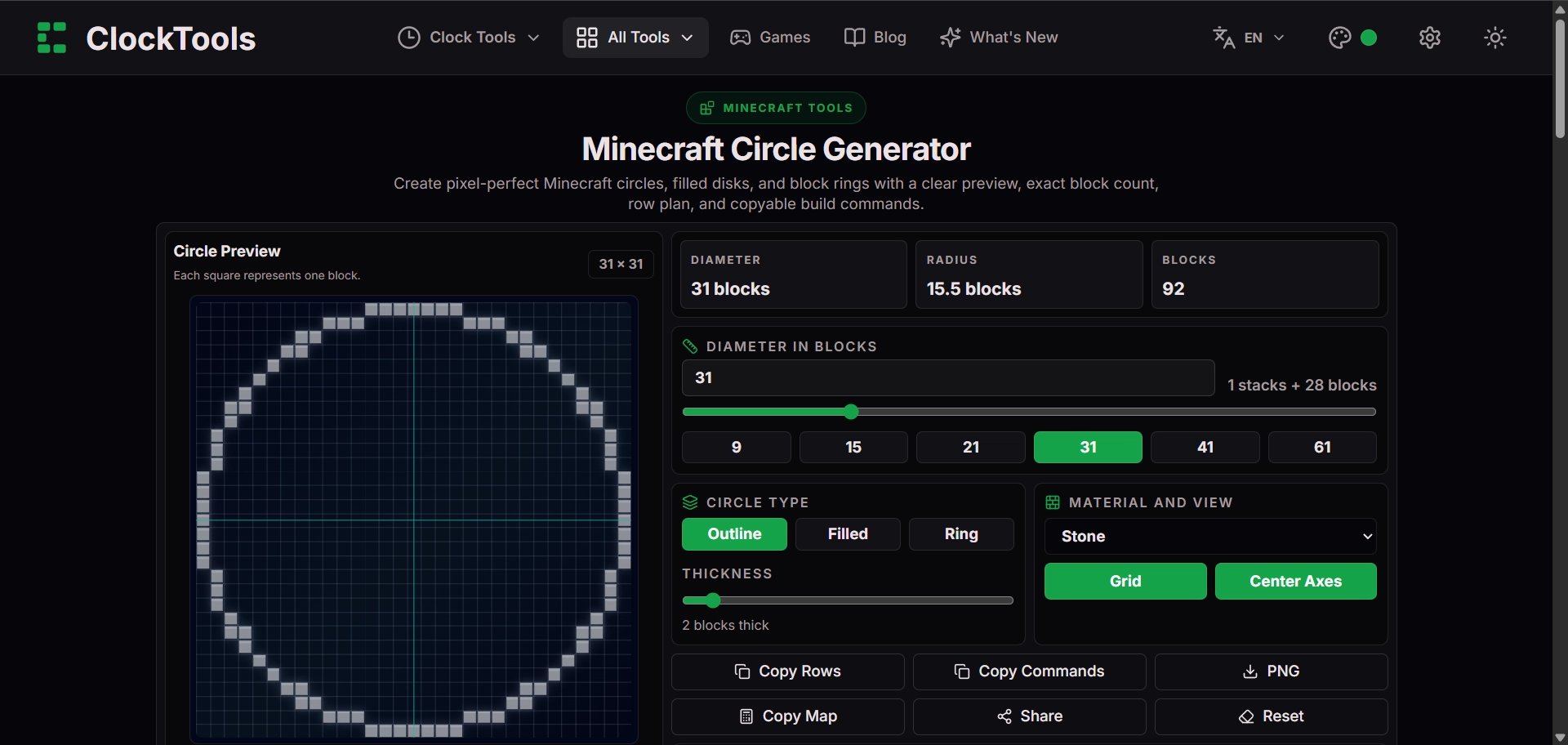
Enable the grid and center axes, then read the outline as consecutive horizontal or vertical runs. Mark each change of direction before placing blocks. A simple field notation such as 5-2-3 can mean five blocks straight, step sideways two positions across successive runs, then three blocks straight. Use the generator image as the authority rather than guessing from that example notation.
In the captured setup, Outline mode is selected and the tool reports 92 blocks. The thickness control displays 2 blocks, but that setting is not applied in Outline mode. Thickness changes the pattern in Ring mode; switching to Filled also changes the block total. Use the count for the selected mode, not the thickness label alone.
Mirror one accurate quadrant
Begin at the north marker and build clockwise to the east marker. Count every run twice: once while placing it and once while recording it on paper or in chat. Mirror the same sequence from north to west. Because the diameter is odd, both halves share the center axes; do not duplicate an axis row when copying the pattern.
After the upper half matches, reproduce it below the horizontal centerline. Colored temporary blocks at the four extremes and at each step change make mistakes visible. Replace those markers only after the circle closes.
Commands can accelerate straight portions, but they do not decide the curve. Microsoft documents that /setblock and /fill place one block or fill a rectangular region. Use them only if commands are enabled and you understand the coordinates; a row plan is still required for the circular boundary.
Verify the outline before filling
Stand above the build or create a temporary viewing tower. Check that the north–south span and east–west span are both 31 blocks, the four extreme points line up with the axes, and matching quadrants have the same run lengths. Walk the perimeter to find doubled corners or one-block gaps.
Keep the outline until the inspection passes. Filling too early hides asymmetry and makes corrections expensive. If the structure is part of a dome or cylinder, save the verified ground ring as the reference layer and compare every later layer with a freshly generated diameter rather than shrinking by intuition.
Frequently Asked Questions
How many blocks are in a 31-block Minecraft circle?
The captured ClockTools 31 by 31 Outline pattern uses 92 blocks. The displayed thickness setting is not applied in Outline mode. Ring mode uses thickness, and Filled mode produces a different total.
Where is the center of a 31-block circle?
An odd diameter has one center row, one center column, and one central block, so the circle can be mirrored cleanly across both axes.
Should I build the whole circle at once?
No. Build one quadrant or one sequence of row runs, then mirror it across the center axes to reduce counting errors.
Can the fill command build a Minecraft circle?
The fill command creates rectangular regions, not a true circle by itself. It can speed up straight runs, but the curved outline still needs a plan.

About The Author
Vigneshwaran Vijayakumar
Founder, Developer and Publisher of ClockTools | Digital Marketing Manager | India
Vigneshwaran is an engineer with decades of technical experience, including professional work as a Digital Marketing Manager in Dubai. His work connects data analysis, search engine optimization, conversion-rate optimization, content systems, visual production, and applied AI and machine learning. At ClockTools, he turns that multidisciplinary experience into focused browser utilities and practical, source-aware guides.